
Alarm unit
Tellfire
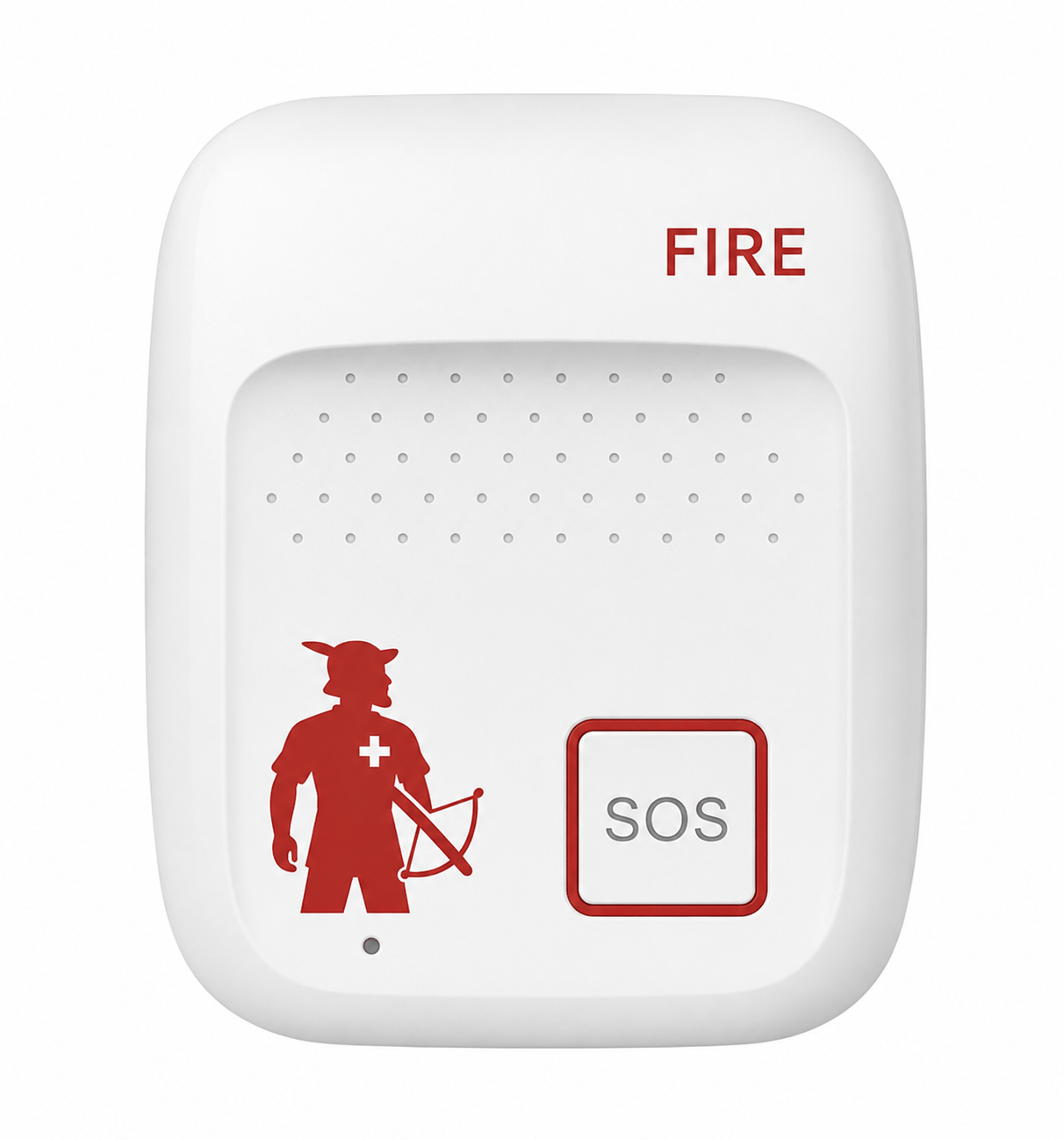
A wall-mounted SOS unit that calls the designated fire service dispatch centre and activates the configured Tellflash warning units.
- SOS button
- 4G/LTE
- Voice connection
- Backup battery
- Wall-mounted
Overview
One SOS button for the fire service call and the building warning.
Tellfire is a wall-mounted unit for manually raising a fire alarm. We agree accessible mounting locations with you, such as classrooms, reception areas and workshops.
Pressing the SOS button opens a voice connection to the designated fire service dispatch centre, transmits the alarm location and activates the connected Tellflash units. Staff follow the agreed evacuation and response procedure.
- Large, clearly marked SOS button
- Direct voice connection and location transmission to the fire service's emergency dispatch centre
- 4G/LTE with automatic switchover to a second connection
- Powered via USB-C with an integrated backup battery for power failures
- Site-wide alarm by voice announcement and text message across the entire school grounds
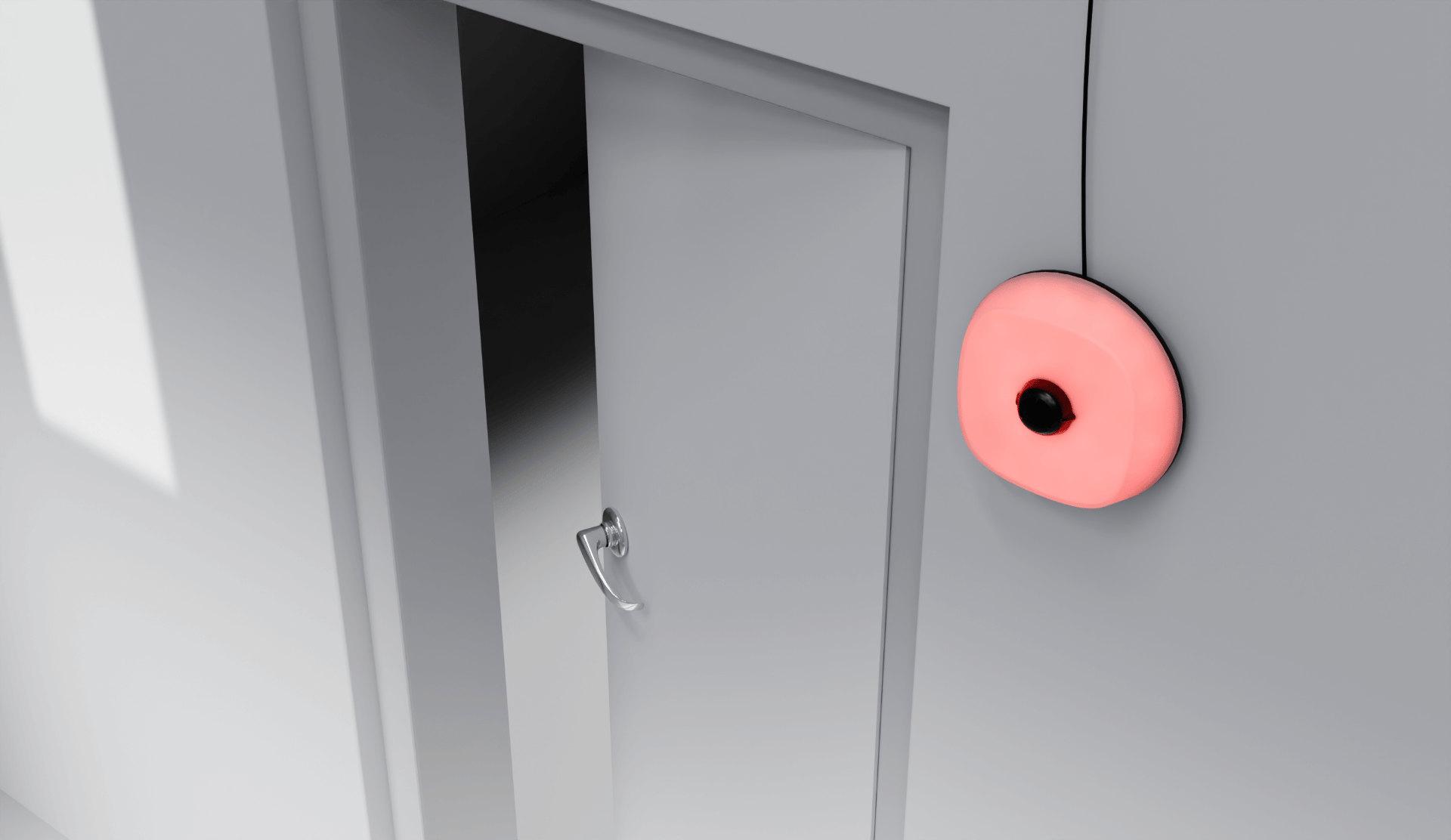
- Activates connected Tellflash warning lights and optional warning sirens by radio
How it works
What happens when the button is pressed.
One activation starts the call to the fire service, transmits the alarm location and activates the connected building warning. Staff then follow the agreed response procedure.
- 1
Press the button
Press the SOS button to start the configured alarm sequence. The unit sends the alarm location with the call.
- 2
Reach the fire service
Tellfire opens a voice connection over the mobile network to the responsible emergency dispatch centre and reports where the alarm was raised.
- 3
Warn the building
The connected Tellflash units activate their lights and, where fitted, the warning siren. The defined internal contacts receive a notification (e.g. SMS, WhatsApp, push notification, email).
Mounting locations
Accessible, agreed locations.
We agree fixed mounting locations that staff can identify and reach during an emergency.
Tellfire is permanently mounted in an agreed, easily accessible location with a power connection. No data cabling is needed. We configure the alarm recipients and test the connection during commissioning.
Classrooms
Next to the teacher's desk, within easy reach.
Staff room and school office
Accessible locations for staff working in these areas.
Reception and counters
For public offices and businesses that receive visitors.
Workshops and storerooms
Locations where staff need a clearly accessible manual alarm.
In detail
Technical data
We tailor the exact configuration to your building and your procedures during planning.
- Activation
- Manual SOS button
- Connection
- 4G/LTE with failover routing
- Location
- Predefined location data and stored site plans
- Mounting
- Permanent wall mounting, e.g. by the teacher's desk
- Power
- Powered via USB-C with an integrated backup battery for power failures
- Connected devices
- Site-wide alarm via Tellfire and Tellflash alarm devices, plus optional WhatsApp, app or desktop notifications
FAQ
Questions about Tellfire
Does Tellfire need a mains connection?
Yes. Tellfire is powered via USB-C and has an integrated backup battery for power failures. As part of the agreed support, we monitor the devices’ availability on the mobile network (GSM) and their battery level, and arrange any necessary measures.
What happens if the mobile network goes down?
Tellfire uses 4G/LTE and is configured to switch to a second connection if the primary connection fails. During planning, we check reception at the proposed mounting locations and clarify the backup arrangement.
How many Tellfire units does a building need?
The number depends on the building layout, use and agreed alarm procedure. During the site visit, we determine the locations staff need to reach and the number of units required.
Does Tellfire work without Tellflash?
Yes. Tellfire can start the fire service call on its own. A suitable building warning must still be provided, for example connected Tellflash warning lights with an optional warning siren; we assess the required coverage during planning.
What about false alarms?
Tellfire is manually activated. If someone presses the button by mistake, they should follow the agreed false-alarm procedure and clarify the situation with the dispatch centre. The activation is logged.
Is Tellfire tested regularly?
Yes. As part of maintenance, we check every unit on site once a year and test the connection all the way to the emergency dispatch centre. In between, we monitor battery and connection continuously.
Considering Tellfire for your organisation?
We discuss your requirements and provide an itemised quote for the equipment and services you need.