
ID-card-sized silent alarm
TWIG SOSCard
An ID-card-sized alarm device with silent activation, a voice connection and outdoor location tracking. Indoor positioning is available with the appropriate infrastructure.
- 4G
- IP67
- 74 g
- Up to 12 days standby
Overview
An ID badge with an emergency button.
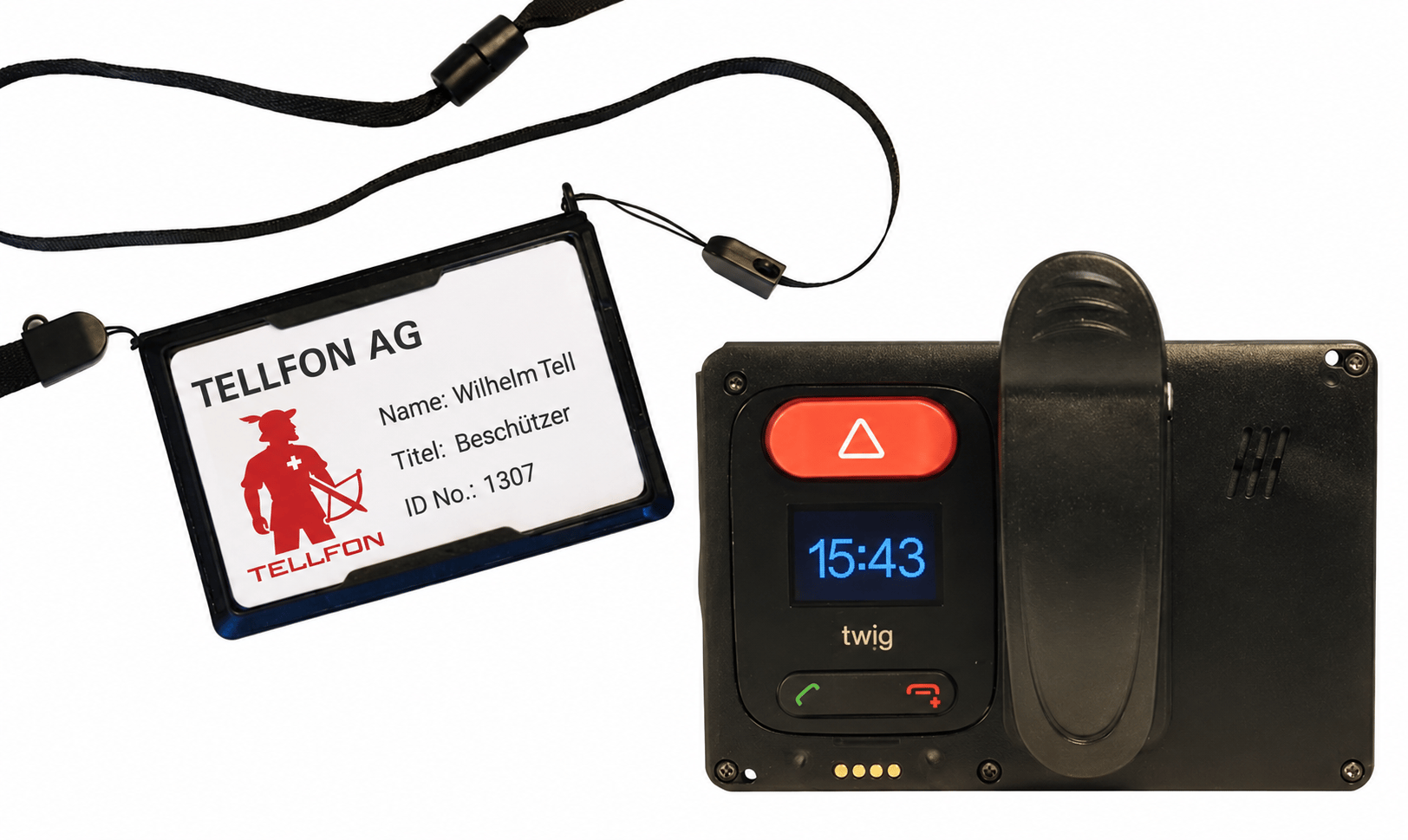
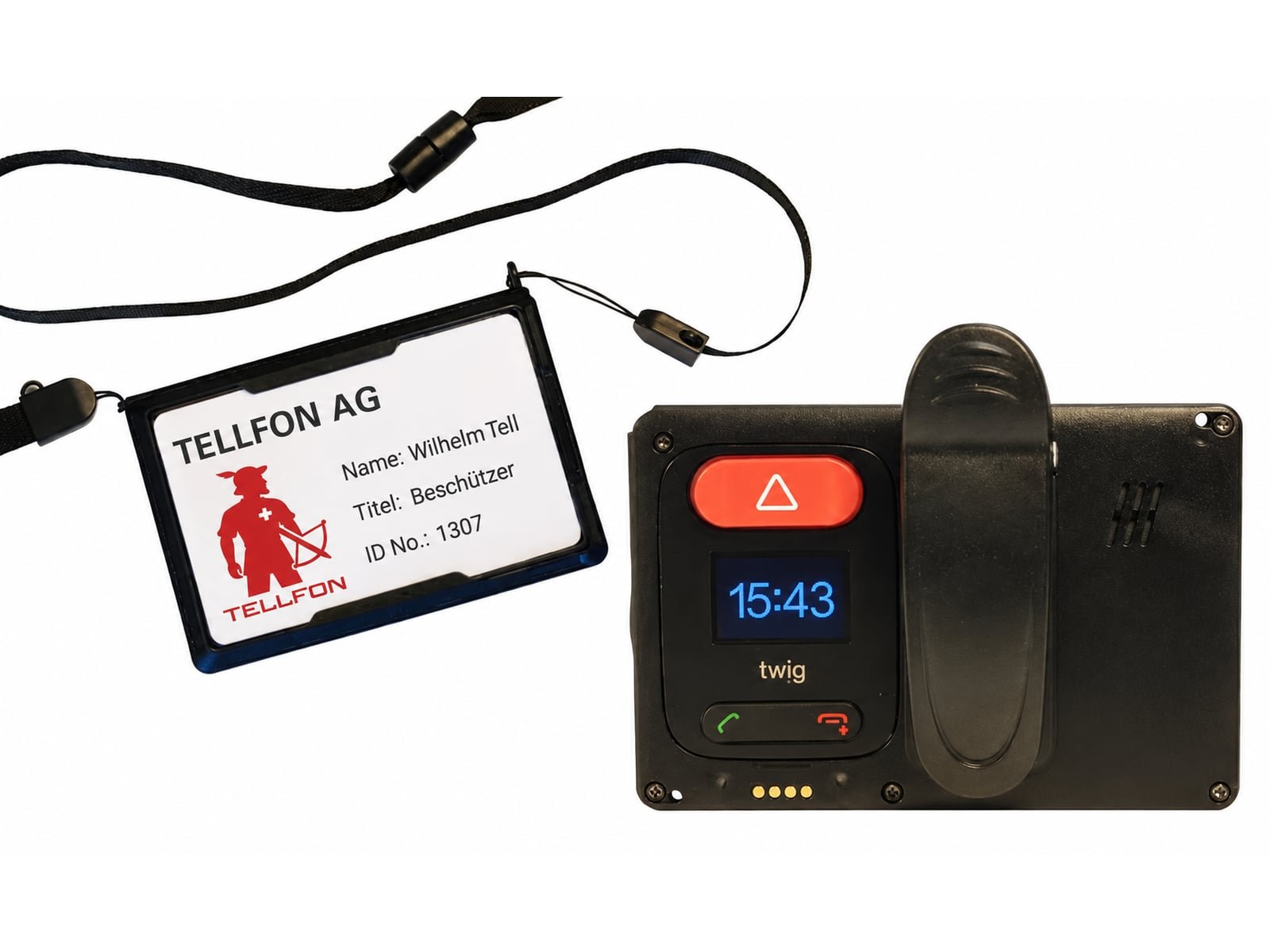
The TWIG SOSCard clips to clothing or hangs from a lanyard, with space for a staff ID on the front. The rear contains a 4G alarm device with an SOS button, display and speaker.
The card can be configured to raise an alarm without sound or light. The selected recipients receive the available location information and can use the enabled voice connection to assess the situation.
- Silent alarm at the press of a button
- Alarm to your own team, the police or our emergency response centre
- Voice connection via the built-in hands-free function
- Location by satellite outdoors, via Wi-Fi and beacons indoors
- Configurable automatic alarms for falls, impact, lack of movement and removal from the lanyard
- IP67 protection rating; weight 74 g
In an emergency
From button press to help.
Pressing the SOS button sends an alarm to the selected recipients. They assess the available location and voice information and follow the agreed response procedure.
- 1
Press the button
A short press, without looking at the device. With no sound or light if required.
- 2
Listen in and locate
The selected team or emergency response centre receives the alarm and available location information. The enabled voice connection supports assessment of the situation.
- 3
Send help
Depending on the situation, colleagues, security staff or the police come to help.
Areas of use
For staff who may face aggression at work.
The SOSCard lets staff raise an alarm when an interaction becomes threatening. It forms part of the organisation’s agreed response procedure.
Wear the SOSCard on a clip or lanyard and charge it according to your operating routine. We configure alarm recipients and audible or silent activation for each person or team.
Schools
Teachers and school management, in the classroom and in the playground.
Public administration
Staff at the counter and in advisory meetings.
Hospitals and care homes
Nursing staff in the emergency department, in psychiatric wards and on night duty.
Hotels and hospitality
Reception and housekeeping staff when guests become abusive or aggressive.
Images
In detail
Technical data
We tailor the exact configuration to your building and your procedures during planning.
- Mobile network
- 4G / 3G / 2G, data and voice also via Wi-Fi
- Location
- GNSS (GPS, Glonass, Galileo), TWIG Beacon SRD, Wi-Fi, BLE
- Alarms
- SOS button, pull-cord alarm, tilt, no-movement, fall and impact alarm, timer alarm
- Communication
- Two-way hands-free, on-screen and status messages
- Battery life
- Up to 12 days standby, up to 4 days in normal operation*
- Protection rating
- IP67; shock-resistant housing
- Dimensions and weight
- 11 × 66 × 99 mm, 74 g incl. battery
- Display
- OLED with notification icons; tactile silicone buttons
*Operating times may vary depending on environment and configuration.
Accessory
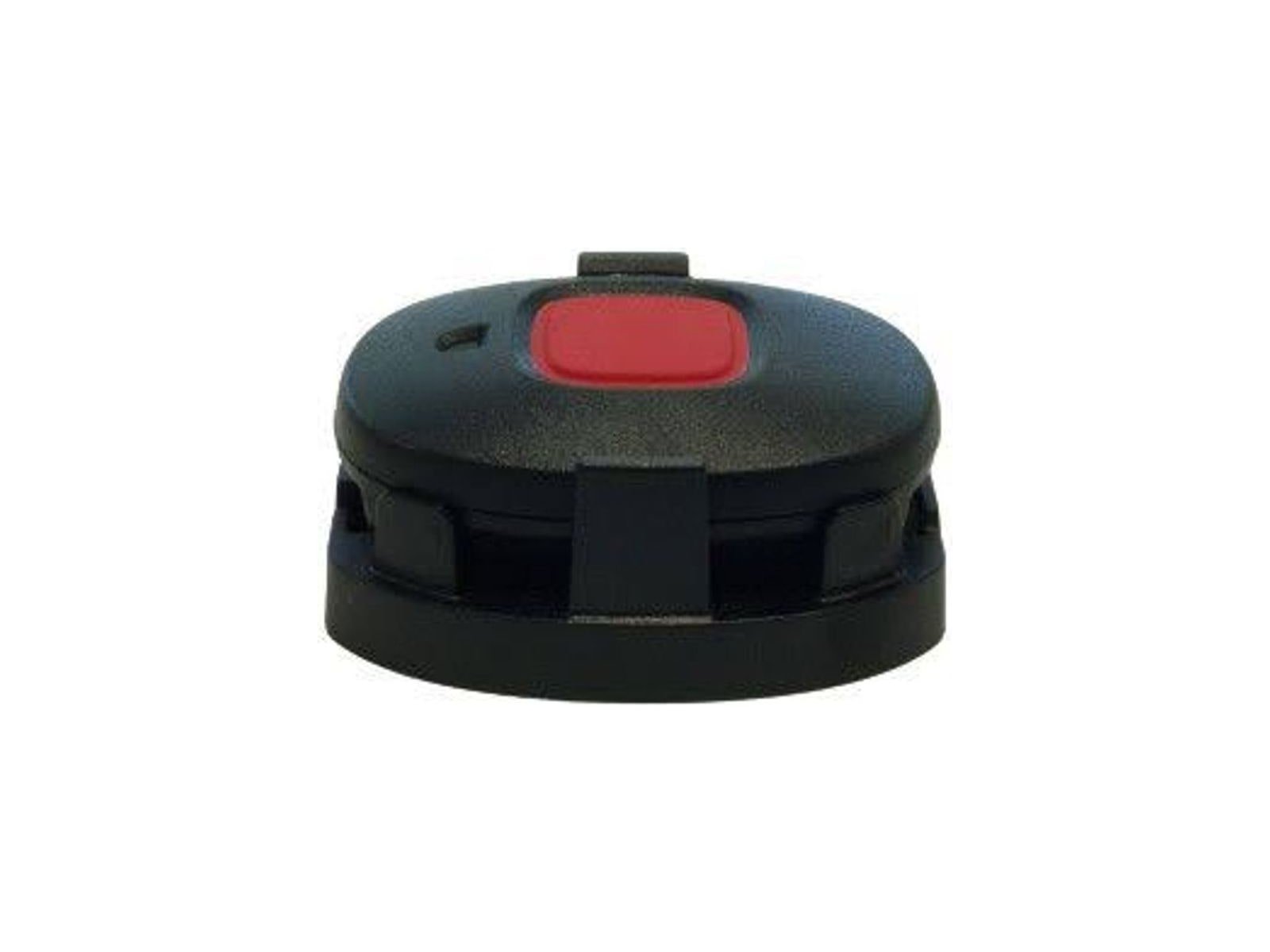
TWIG Remote Button
The Remote Button is a panic button for simple, discreet triggering of an alarm from a distance. For example, from an adjacent room when a colleague at the counter is being threatened.
FAQ
Questions about the SOSCard
How is the SOSCard worn?
The card can be clipped to clothing or worn on a lanyard, with a staff ID on the front. It weighs 74 g and has an IP67 protection rating.
Can the alarm be triggered completely silently?
Yes. The card can be configured to emit no sound or light when an alarm is activated. The emergency response centre can use the enabled voice connection to assess the situation and arrange the agreed response.
Who receives the alarm?
We agree the recipients with you: designated colleagues, our 24-hour emergency response centre or emergency-service contacts where the connection has been arranged. Depending on the setup, notifications can include calls, text messages with a map link or on-screen messages. Schedules can route alarms to different contacts.
What happens if the person can no longer raise the alarm themselves?
Configured automatic alarms can activate after a fall or impact, an unusual device position, prolonged lack of movement or removal from the lanyard. We test the required functions and settings with your team.
How long does the battery last?
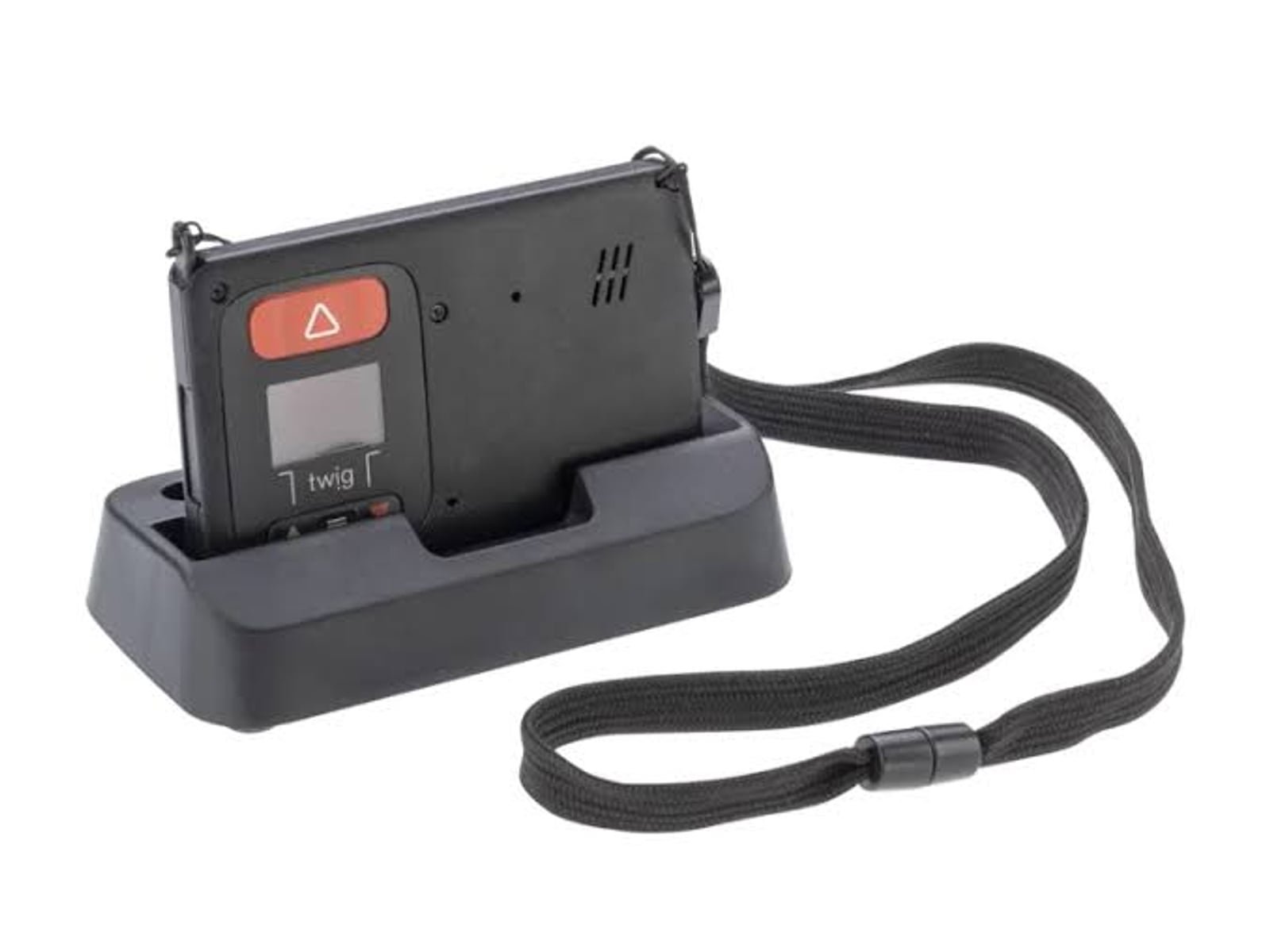
Up to 12 days on standby and up to 4 days in normal use, depending on settings and environment. Most people simply put the card in the charging station overnight.
What is the TWIG Remote Button for?
The Remote Button is a panic button for simple, discreet triggering of an alarm from a distance. It triggers the same alarm as the card, for example from an adjacent room when a colleague at the counter is being threatened.
More products
Related products
Considering TWIG SOSCard for your organisation?
We discuss your requirements and provide an itemised quote for the equipment and services you need.